
Home / News / Why Google Image Thumbnails Lag: What Small Businesses Need to Know
Why Google Image Thumbnails Lag: What Small Businesses Need to Know
Google search image thumbnails can take weeks to refresh after you swap out a photo, creating headaches for local visibility and AI assistant responses. Understanding the technical bottlenecks behind this delay helps small business owners implement practical workarounds and maintain accurate visual branding across search surfaces.
Key Highlights
- ✓Image thumbnails can take weeks to refresh
- ✓Google’s caching explains the delay
- ✓No manual refresh button – use workarounds
- ✓Updated images improve local AI visibility
What Happened
In mid-September, Google Search Advocate John Mueller addressed a lingering pain point for digital marketers: image thumbnails in Google Search results often lag behind site updates by days or even weeks.
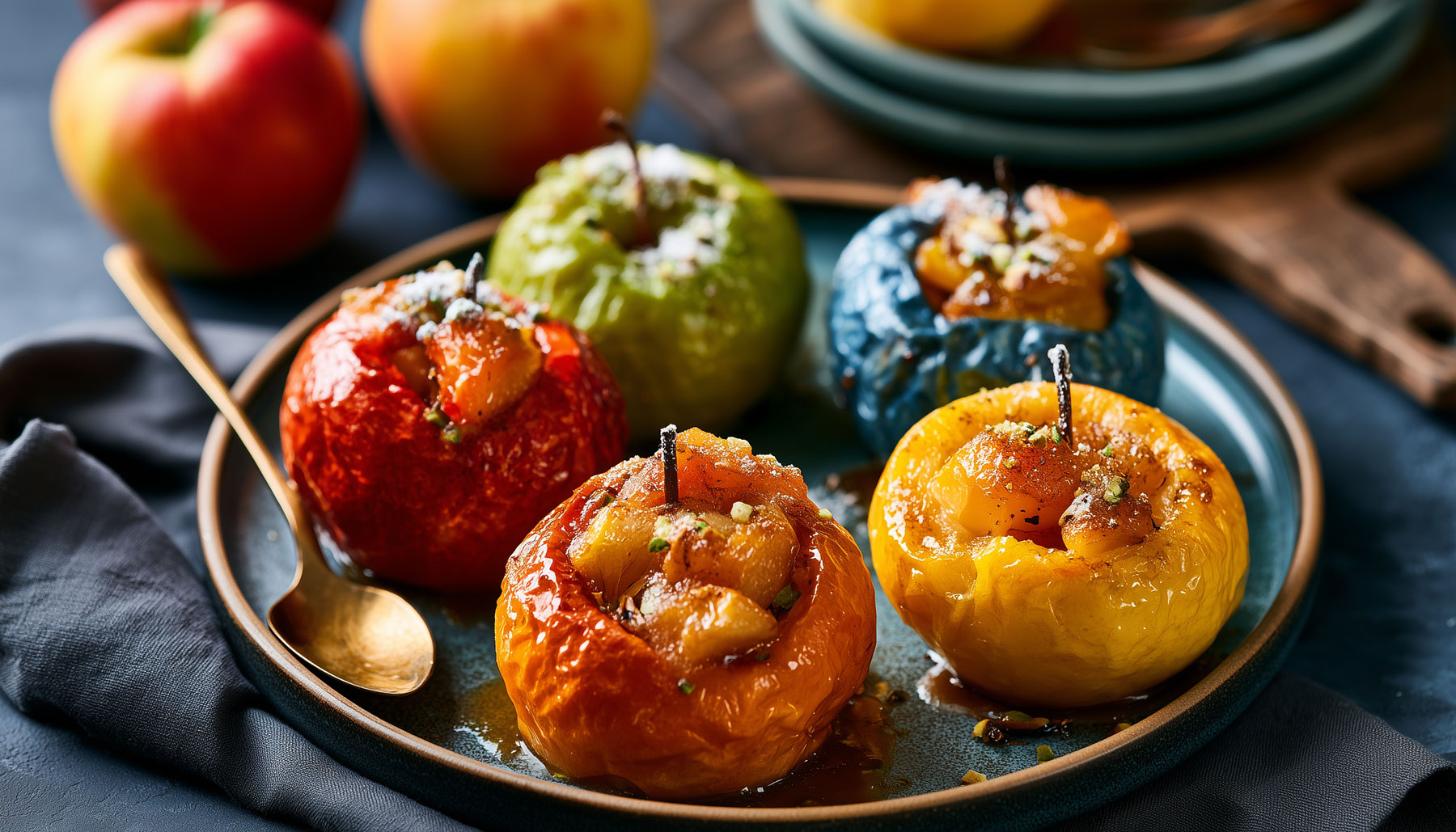
The issue came into focus when Adam from Inspired Taste swapped out the lead photo on his easy baked apples recipe for a sharper, high-resolution shot. He updated both the on-page asset and the corresponding JSON-LD structured data, yet the recipe card thumbnail in search results refused to budge.
Mueller clarified the mechanics behind the delay: Googlebot crawls the page, caches the image file, and serves that cached asset as the search thumbnail. If an image stays on the page but moves further down, or if the JSON-LD points to an alternative file, the search engine frequently continues serving the stale thumbnail until the crawler completes a full refresh.
Key Details
- Update lag can last 2–4 weeks – Image thumbnails refresh on a noticeably slower cycle than standard HTML text content.
- Position matters – Search algorithms prioritize images placed near the top of the markup or clearly defined within structured data, whereas shifting an asset lower down the page can prolong the time it takes for Google to process the change.
- JSON-LD alone isn’t enough – Swapping the image URL inside your JSON-LD block does not force an immediate update; Google often serves the cached asset until its crawler visits again.
- No manual fix – Google Search Console provides no dedicated "refresh thumbnail" button, meaning site owners must wait for Google's organic crawl schedule.
Why the delay?
Google's indexing infrastructure balances freshness with computational efficiency. Caching thumbnails conserves substantial bandwidth and delivers lightning-fast search results, sparing Google from re-downloading media assets on every query. The direct tradeoff for publishers, however, is a sluggish update pipeline.
What you can do
- Add a
revquery param – Append a version identifier to your image URL (such asimage.jpg?rev=2). Because the crawler reads this as an entirely fresh resource, it bypasses the stale cache. - Use
noindexon old images – When retiring an outdated asset, applynoindexheaders to the old image file to signal that search engines should drop it from indexing. - Ping Google – Request indexing for the modified page through the URL Inspection Tool in Search Console to invite a faster crawl.
- Keep structured data current – Verify that the
imagefield in your JSON-LD schema explicitly references the exact photo you want featured.
What It Means For Your Business
Visibility in Local and AI-Driven Searches
For companies driving local foot traffic through recipe snippets, product showcases, or visual portfolios, an outdated thumbnail misrepresents current offerings. Generative AI tools and voice assistants also pull context straight from Google’s index. Serving a stale asset risks confusing potential customers and driving down search click-through rates.
SEO Momentum and Trust Signals
Search engines evaluate visual quality and regular updates as proof of an actively managed site. A sluggish thumbnail update cycle can mimic site neglect, which may suppress rankings across media-heavy search results.
Actionable Steps
1. Audit your image assets – Pinpoint high-value landing pages with lagging search thumbnails and append query strings such as rev to prompt immediate re-caching.
2. Monitor Search Console – Track trends inside your "Image Indexing" coverage reports and run target pages through the URL Inspection Tool.
3. Educate your team – Standardize image revision protocols so content editors routinely update markup alongside visual assets.
4. Leverage local citations – Align business profiles across Google My Business and regional business directories with matching, updated photography to preserve visual consistency.
Best Practices for Image Management
- Use descriptive filenames – A clean, descriptive file path like
baked-apples-recipe.jpgmakes page topic relevance clear to crawlers. - Compress without losing quality – Heavy image payloads hurt page speed; optimize assets with utilities such as TinyPNG or ImageOptim before publishing.
- Serve responsive images – Deploy
srcsetattributes to deliver appropriate file dimensions across desktop and mobile screens, which aids user experience and assists thumbnail extraction. - Regularly update structured data – Every time you revise a key photo, verify that the
imageentity in your JSON-LD mirrors the new asset URL.
Case Study: Inspired Taste
Adam’s ordeal mirrors accounts from multiple independent business operators across search marketing communities. Site owners who adopted the URL versioning technique (?rev=) alongside a prompt re-crawl submission saw their thumbnails update within 48 hours. When dealing with search indexing lag, deliberate technical precision consistently beats passive waiting.
Future Outlook
As Google's search algorithms lean deeper into multimodal AI models, the accuracy of your visual footprint will carry even greater weight. Preserving brand authority requires search thumbnails that accurately display your current products and services. Follow announcements from Google's Search Central blog to monitor upcoming changes in image caching behavior.
A proactive asset management strategy ensures your images stay current for regular searchers and conversational AI engines alike, protecting your local visibility and consumer trust.
Why This Matters For Your Business
For companies competing in local search and conversational AI discovery, a stale image thumbnail is far more than a minor layout flaw—it undermines commercial credibility. When searchers spot a dated photo in a local pack or recipe card, they question whether the business is still operating at full steam, directly hurting organic click-through rates. Modern AI assistants such as ChatGPT and Gemini pull source imagery directly from search indexes; if Google serves an obsolete thumbnail, the assistant repeats that outdated visual to prospective buyers. Visual freshness also supports core search performance. Google favors domains that consistently maintain their digital assets, rewarding them with premium placement across image-rich results. Ensuring your thumbnails update promptly signals an active, reliable operation—improving both organic positions and the visual accuracy of AI-driven brand mentions.
Frequently Asked Questions
Why does Google delay thumbnail updates?
Google caches search thumbnails to minimize bandwidth usage and maintain fast result delivery. Consequently, thumbnails refresh only when Googlebot re-crawls and processes the host page, a process that can take weeks.
Can I force Google to update a thumbnail?
There is no instant override button in Google Search Console, but you can append a `rev` query parameter to the image URL, update your JSON-LD markup, and request indexing via the URL Inspection Tool to accelerate the re-crawl.
Will this affect my site’s overall rankings?
Yes. Lingering, outdated assets can signal poor site maintenance to search engines, potentially weakening your performance across image-focused and local search queries.
Is your business showing up in AI search?
Get your free AI visibility audit - see if ChatGPT, Perplexity, and Google AI actually recommend you.